Netmirror
Explore our comprehensive netmirror app review covering features, device compatibility, safety considerations, and licensed streaming alternatives.
- Rating 3.9
- Downloads 95K+
- Version 7.0.0
- Size 29.2 MB
An Honest Look at the netmirror Android App
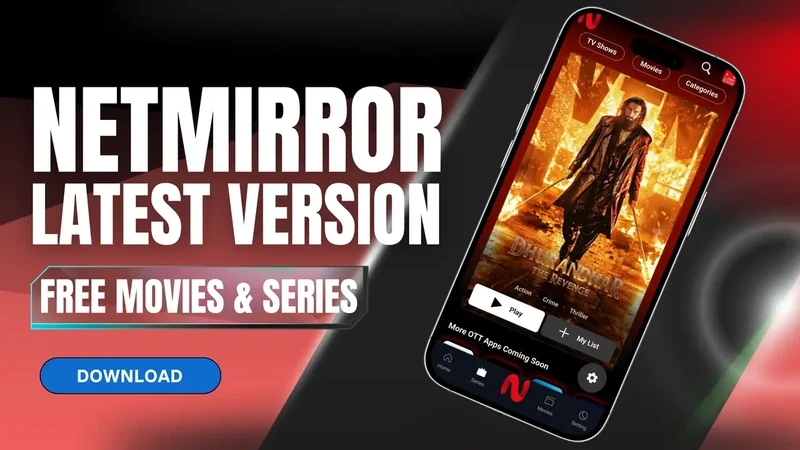
Finding a reliable mobile streaming solution can be a challenge for modern Android users in India who want convenient access to live television broadcasts, regional cinema, and sports broadcasts. With countless options available across the digital landscape, evaluating an application before installation is essential. This netmirror app review is designed to help Indian Android users understand what the netmirror Android app offers, how it performs across various device types, and what important safety and licensing factors you should consider. Whether you are looking for entertainment categories, sports coverage details, or reliable streaming alternatives, this guide offers an objective overview to help you make an informed decision.
What is netmirror?
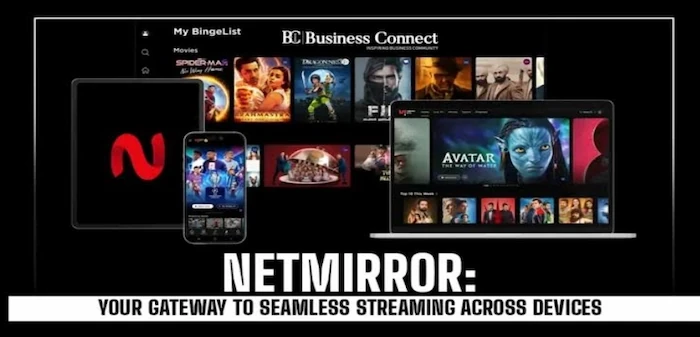
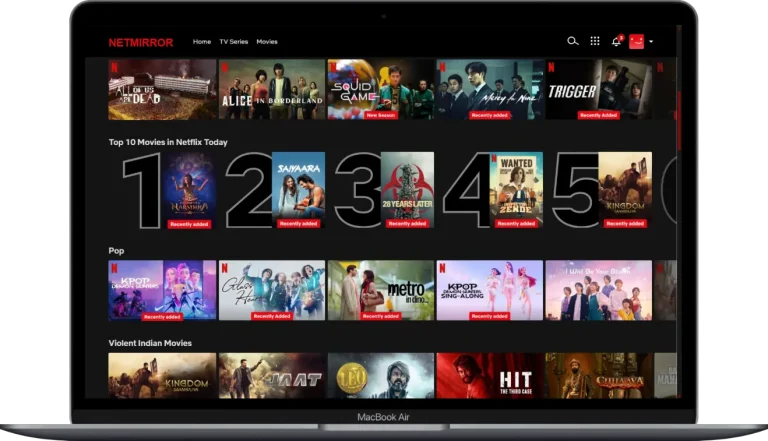
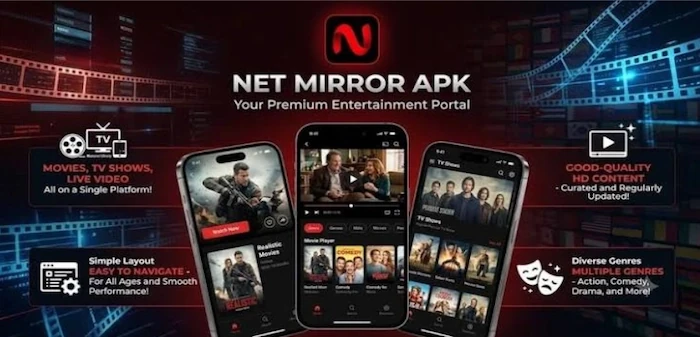
The netmirror application is a specialized media streaming tool built for Android-powered hardware. It functions as an aggregator that brings together various broadcast streams, on-demand movies, and regional entertainment programs into a single interface. Designed with mobile and large-screen users in mind, the platform categorizes media into distinct sections such as live sports, news broadcasts, dramatic series, and dedicated programming for younger audiences.
One of the primary aspects highlighted by users exploring netmirror features is its video player architecture, which supports standard and high-definition playback alongside picture-in-picture capabilities. This allows individuals to interact with other mobile tools while maintaining an active viewing session. Additionally, the interface incorporates swipe-based navigation controls intended to simplify volume and brightness adjustments during playback. Despite these functional elements, this page could not verify that the app holds official distribution licences for the content it offers. Because content sourcing remains ambiguous, users must approach the platform with an understanding of standard digital media distribution complexities.
Key Features of netmirror
Live Television Channels
The netmirror Android app provides access to a broad assortment of live television feeds spanning multiple genres, including regional news, cultural broadcasts, and general entertainment. This functionality allows individuals to monitor live events without navigating multiple separate platforms.
Sports and Match Streaming
For sports enthusiasts who follow cricket leagues, football tournaments, and international fixtures, the netmirror app features dedicated sports channel categories. This setup aims to deliver real-time match coverage directly to mobile screens.
High-Definition Playback Options
Depending on network stability, the application accommodates high-definition video output. Users can experience clearer visuals and balanced audio output when connected to reliable broadband or high-speed cellular networks.
Extensive Content Categories
The platform organizes movies, serialized dramas, and short programs into structured menus. This categorization assists viewers in locating specific entertainment genres tailored to their regional language preferences.
User-Friendly Interface Design
Navigation within netmirror is structured around simplicity, utilizing clean menus and organized categories that allow first-time users to locate desired channels or media files with minimal effort.
Favorites Management
To reduce search time during subsequent sessions, the application includes a bookmarking or favorites list utility. This enables viewers to pin preferred channels for instant access upon launching the software.
What You Can Watch
The content catalog accessible through the netmirror Android app spans a diverse array of categories and linguistic traditions, catering to India's multilingual audience. Viewers can explore regional entertainment and global programming across multiple languages, including Hindi, Tamil, Telugu, English, Punjabi, Bengali, Urdu, and Arabic. The available media library typically encompasses traditional television broadcasts, documentary programming, music stations, and dedicated children's entertainment sections featuring animated shows and educational clips. While the variety is broad, users should note that specific channel availability may fluctuate depending on regional broadcasting restrictions and server status.
Device Compatibility
- Android smartphones running various custom user interfaces
- Android-powered tablets of different screen dimensions
- Smart TVs operating on Android TV firmware
- Digital media streaming boxes
netmirror vs Licensed OTT Platforms
| Feature / Criteria | netmirror | Licensed OTT Platforms (e.g., SonyLIV, ZEE5) |
|---|---|---|
| Content Licensing | Not confirmed / Unverified | Fully licensed and authorized |
| Subscription Cost | No mandatory subscription reported | Tiered subscription plans or ad-supported |
| Video Quality | Standard and HD options | Up to 4K Ultra HD with HDR support |
| Advertising Experience | Varies by third-party source | Managed commercial breaks |
| Customer Support | Not available | Dedicated helpdesk and ticketing |
| Official App Stores | Available on official marketplaces |
Pros and Cons
| Advantages | Risks and Limitations |
|---|---|
| Lightweight application architecture | Sourcing and distribution channels lack official verification |
| Broad language and category support | Potential stability issues and unexpected stream interruptions |
| Simple user interface design | Requires manual installation via external package files |
| Favorites bookmarking utility | Absence of official customer support channels |
Safety and Legal Considerations
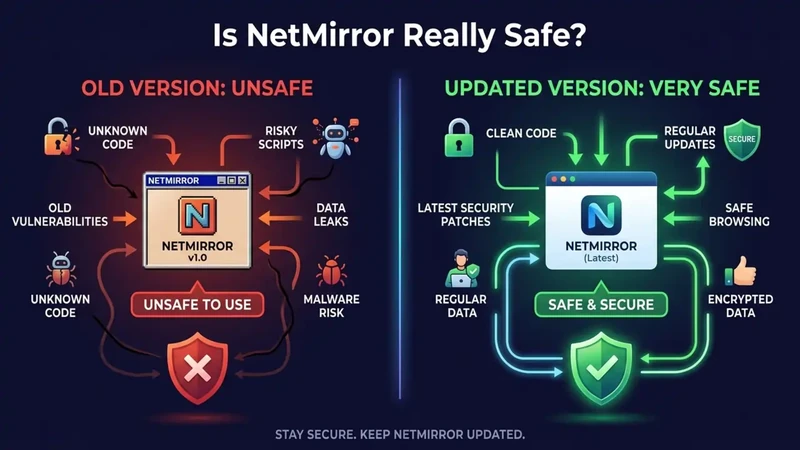
Before downloading or interacting with applications sourced outside official marketplaces, understanding potential security implications is crucial. Installing software from unknown sources or third-party web portals carries inherent risks, including exposure to modified code, potential malware, excessive permission requests (such as access to contacts, storage, or microphone), and the absence of automatic security updates. Furthermore, this page could not verify that the app holds proper legal distribution licences for the copyrighted television channels and films it provides.
In India, streaming or distributing copyrighted material without explicit authorization from rights holders can present legal and copyright compliance risks. Users are strongly advised to exercise caution, respect intellectual property laws, and independently verify the legal status of any media platform they utilize. Before installing any external application, it is recommended to inspect requested device permissions, verify developer authenticity, and utilize built-in security scanners such as Google Play Protect to safeguard your device against vulnerabilities.
Before You Install
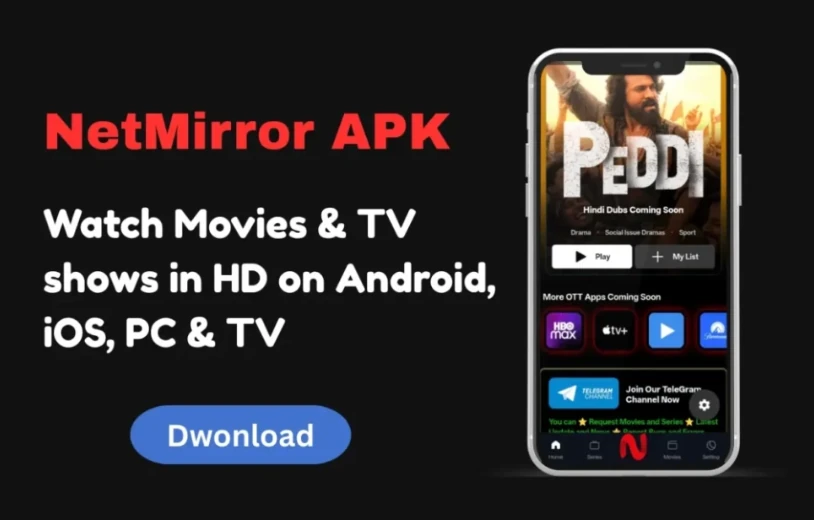
Because applications distributed outside official app stores require careful evaluation, consider the following checklist before proceeding with any third-party software installation:
- Review all requested app permissions to ensure no sensitive personal data is compromised.
- Scan downloaded package files using reputable mobile security software.
- Evaluate whether you prefer fully supported, licensed streaming services that guarantee uninterrupted service and legal compliance.
Common Problems and Troubleshooting
Users of media aggregation applications occasionally encounter technical hiccups during playback. Below are standard troubleshooting steps for common issues:
- Buffering and Lag: Verify your internet connection speed, switch between Wi-Fi and mobile data, or restart your networking hardware.
- Playback Errors: Clear the application cache through your device settings or restart the software.
- Audio Desync: Close background applications to free up device RAM or restart the media stream.
Licensed Alternatives
If you prefer secure, authorized platforms that guarantee legal compliance and stable customer support, consider these widely recognized streaming services operating in India:
- Netflix: A global subscription service offering a vast library of original movies, international series, and regional dramas. Best for movie enthusiasts and binge-watchers.
- Prime Video: An established platform featuring Bollywood films, regional cinema, exclusive web series, and live cricket coverage in select regions. Ideal for families and sports fans.
- JioHotstar: A major Indian streaming destination providing extensive live sports, blockbuster movies, and serialized television shows. Recommended for cricket lovers and general entertainment seekers.
- SonyLIV: A prominent platform offering premium sports broadcasts, international football leagues, and original Hindi and regional content. Suited for sports and drama fans.
- ZEE5: A popular service focusing on regional Indian languages, original web series, and classic movies. Perfect for viewers seeking localized content.
Frequently Asked Questions
Is netmirror available on the Google Play Store?
No, the application is not officially listed on the Google Play Store and must be obtained through external web sources, which requires careful security evaluation by the user.
Does netmirror hold official content distribution licences?
This page could not verify that the app holds valid licences for the television channels and movies it provides. Users should consider copyright compliance before use.
Is the netmirror Android app safe to use?
Safety depends entirely on where the file is downloaded from and what permissions are granted. Sourcing apps outside official stores carries risks of malware and privacy exposure.
Can I run netmirror on an Android Smart TV?
Yes, the application file can be installed on compatible Android TV devices and digital media boxes, though navigation and layout optimization may vary by screen size.
What should I do if a stream fails to load?
Common troubleshooting steps include checking your internet connection, clearing temporary app cache data, or restarting your device to restore normal streaming performance.
Conclusion
In summary, the netmirror Android app presents an alternative media aggregation tool for individuals exploring various entertainment categories on mobile and TV screens. While its lightweight build and organized menu structure appeal to certain users, the lack of official licensing verification and the inherent security considerations of third-party APK installations require a cautious approach. Indian Android users should weigh these factors carefully and consider utilizing verified, licensed streaming platforms to ensure legal compliance, robust device security, and a consistently stable entertainment experience.